# Pesquisando Produtos
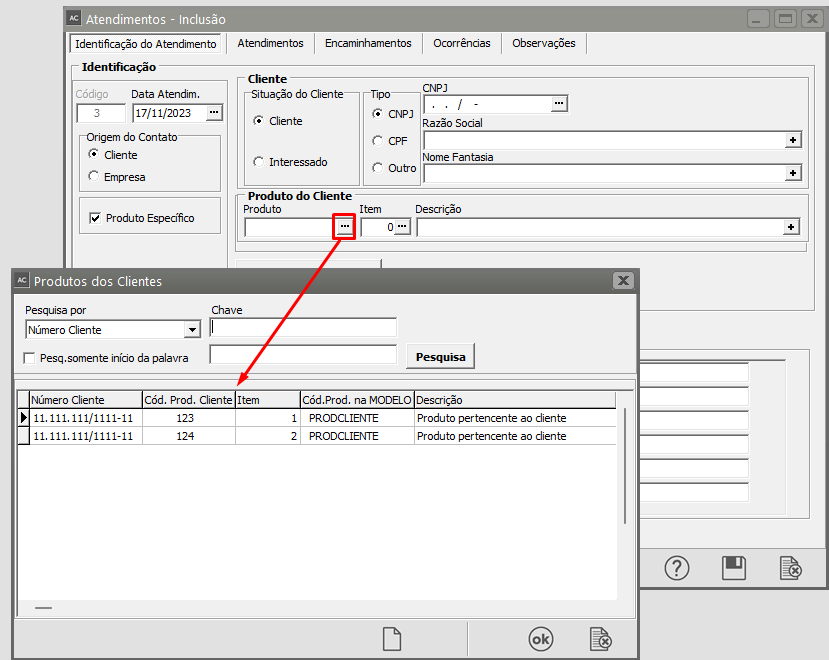
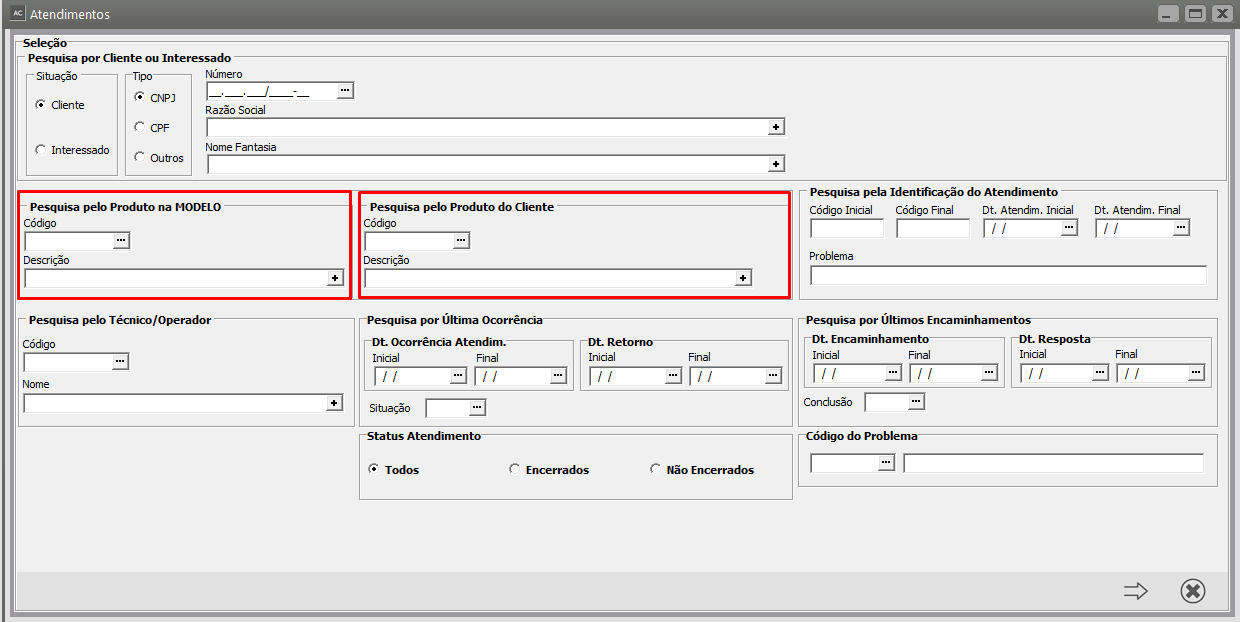
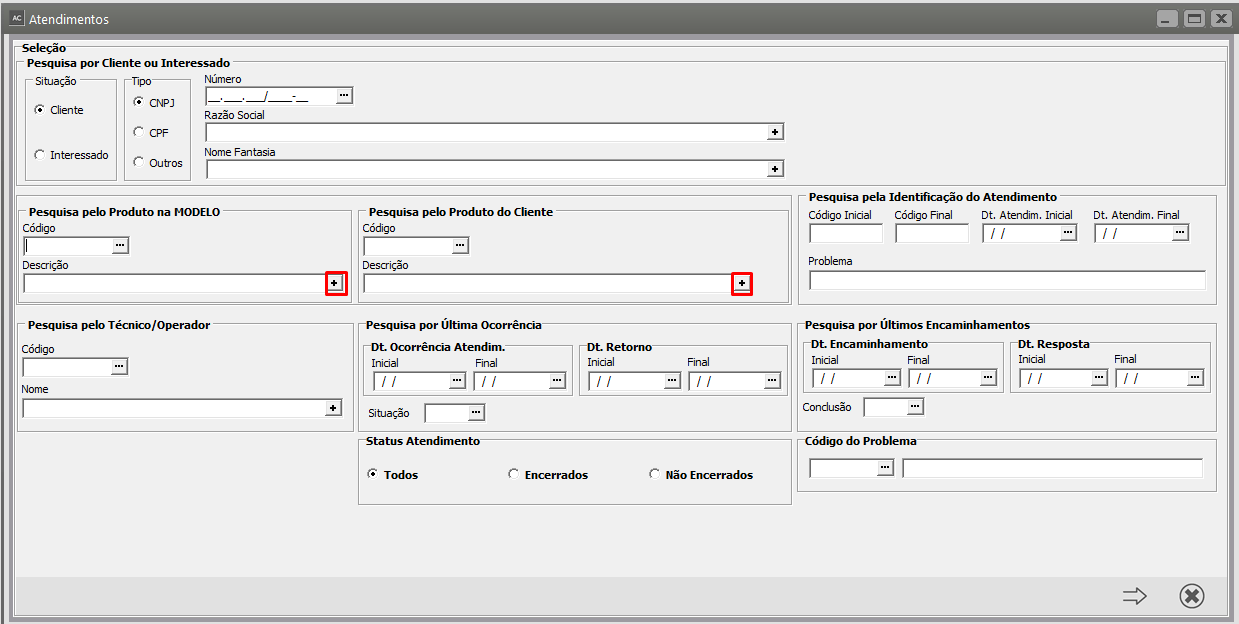
Caso não saiba o código do produto desejado, existem duas formas rápidas de localização. O botão [ ](https://autoatendimento.grupoallegus.com.br/uploads/images/gallery/2024-08/CNBimage.png) representa pesquisa, em qualquer local do sistema, quando você posicionar o ponteiro do mouse dentro da coluna Produto ele ficará visível. Ao pressioná-lo (ou utilizar o [Atalho F4](https://help.supersoftservice.com.br/AC/paginas/AtalhosSistemas.htm)) nessa coluna, será aberta a pesquisa de produtos:
[](https://autoatendimento.grupoallegus.com.br/uploads/images/gallery/2023-11/5RiIGpimage.png)
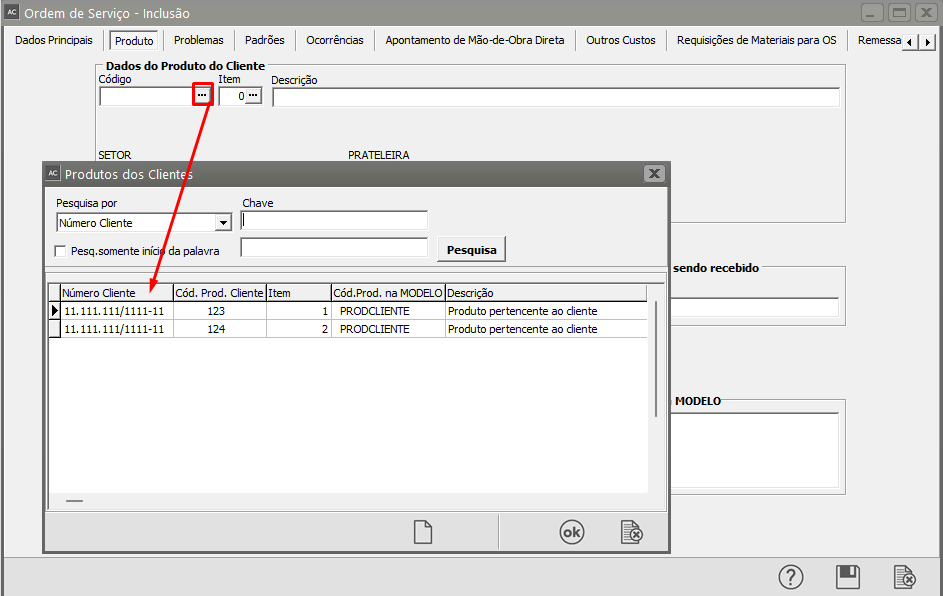
A pesquisa de produtos é forma flexível de encontrar o produto desejado. Nessa tela serão exibidos os produtos e suas informações intercaladas entre cada produto, conforme necessário.
[](https://autoatendimento.grupoallegus.com.br/uploads/images/gallery/2023-11/xF1image.png)
Selecionando a forma de pesquisa (**Código**, **Descrição** ou **Referência Alternativa**) e digitando as primeiras letras no campo **Chave**, o produto que corresponda à pesquisa efetuada será exibido logo abaixo.
[](https://autoatendimento.grupoallegus.com.br/uploads/images/gallery/2023-11/RTLimage.png)
Para que sejam exibidos os resultados será necessário pressionar o botão **Pesquisa**, que estará localizado ao lado do campo Chave.
[](https://autoatendimento.grupoallegus.com.br/uploads/images/gallery/2023-11/Hinimage.png)
**Veja também o Item:**
- [Cadastrando Produtos](https://autoatendimento.grupoallegus.com.br/books/ac/page/cadastrando-produtos)